How to find that one Instagram reel you saved months ago
You remember the reel was about sourdough starter. You remember it featured a creator with a beard. You know you saved it on a Tuesday. None of that helps when Instagram doesn't let you search, filter, or sort your saves. Here is the practical guide to finding your bookmarks anyway.
The limit of scrolling
Instagram's saves grid loads in batches of 12. If you have hundreds of saves, scrolling to the bottom forces your browser to decode dozens of video previews simultaneously. This causes lag, consumes memory, and makes searching manually a chore.
Saves are also locked in a strict 'newest-first' order. Since the reel you want is usually older, finding it manually requires minutes of scroll-waiting.
Common workarounds and their limits
Curators have developed basic workarounds, but each has flaws:
Collections: Instagram lets you group saves into folders. However, you have to file them immediately, and organizing past folders manually takes hours of tedious clicking.
Screenshots: Taking a screenshot of the video to keep in your phone's camera roll works, but it only catches the reels you explicitly screenshot, not the ones you save and forget.
Links in Notes: Pasting links into your notes app makes them searchable, but it strips away the video player. You end up with a static URL instead of a video.
The Reelic way: instant search
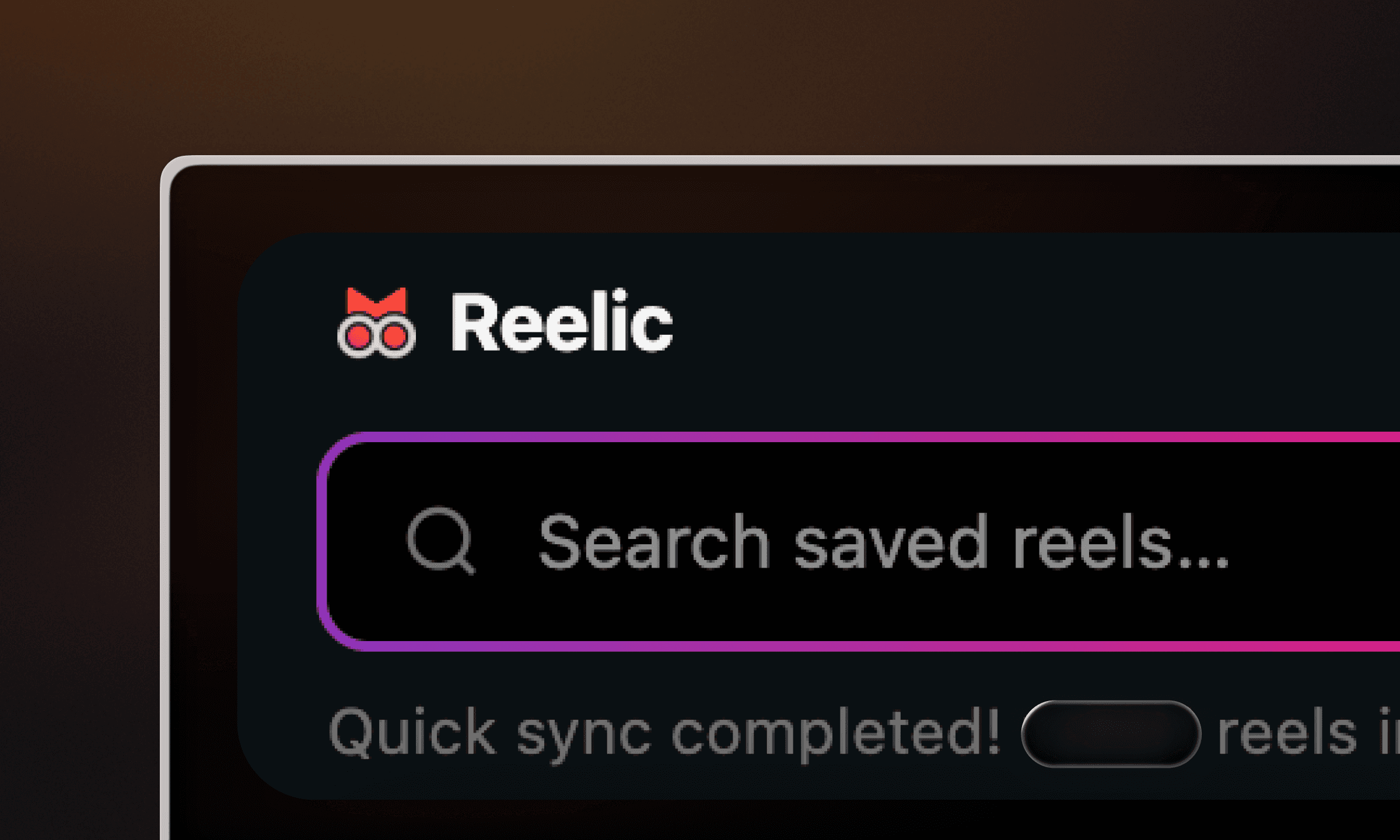
Reelic indexes your saves page in the background, making all key details searchable:
Captions: Reelic uses fuzzy text matching, meaning typing 'sourdoh' will still find 'sourdough' instantly.
Hashtags: Search for tags like #pasta or #interiors to pull up all related videos in one go.
Handles: Search using '@creator' to list everything you have saved from their profile, in date order.
Curation tips
Combine searches: Search '@cooking pasta' to find recipe reels from a specific creator.
Use creator pills: Your dashboard highlights your most-saved accounts. Tap a creator pill to filter your feed instantly.
Quick links: Tap any result to open and play the video natively on Instagram.
What to do if a reel is hard to find
If a reel has no caption, hashtags, or a clear handle, finding it by text is tough. When this happens, try these two steps:
Filter by creator: Use the creator pills to isolate their videos.
Scan thumbnails: Scrolled down to a single creator, you only have to scan a dozen previews instead of hundreds, finding your video in seconds.